

ID: 100027143
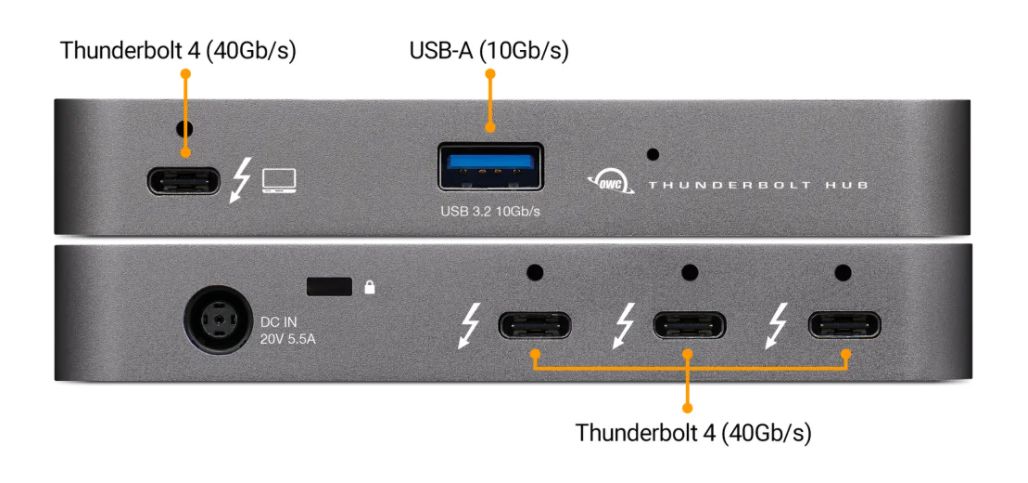
Thunderbolt Hub - 3 x TB4

EAN
810586035606
Лучшая цена
12 260 грн
с НДС
В наличии: 1-4 шт
Доставка: 2-4 недели
Add more full speed Thunderbolt ports to your computer
More Ports for A World of Possibilities
For the first time ever, the OWC Thunderbolt™ Hub lets you consolidate and simplify the connectivity between all your devices with all the Thunderbolt ports you’ve always wanted. The OWC Thunderbolt Hub’s four Thunderbolt (USB-C) ports and one USB port massively expand the connection possibilities of your Apple M1 Mac, any Apple ‘Intel’ Mac with Thunderbolt 3, or any Thunderbolt 4 PC so you can do more and do it all easier.
One Hub to Connect Them All
Through a single Thunderbolt port on your Mac or PC1, you can literally connect and charge anything via this compact hub: dual 4K displays or one 5K/6K/8K display, high-performance storage including NVMe solutions, A/V mixers, phone or tablet, even desktop accessories like a keyboard or mouse. Accessories with past, present or future USB or Thunderbolt interfaces…they all connect to the OWC Thunderbolt Hub.
Connectivity Reimagined
Removing any device other than the last one in a daisy chain will break your chain and disconnect devices until the chain connection is re-established. The OWC Thunderbolt Hub lets you create three separate “tree branch” chains so you can remove devices from one chain without affecting or disconnecting the other chains. You can even add three Thunderbolt bus-powered devices.
Multi-Drive
In the past, daisy chaining external storage required you to place it as close to the front of the chain for the fastest and most reliable performance. That wasn’t possible with bus-powered drives as they had to be placed last in the Thunderbolt chain…and the chain was limited to just one bus-powered device! Now you can connect multiple portable SSDs directly to the OWC Thunderbolt Hub and experience the fastest speed your storage device can deliver.
A Higher Vision
Thanks to its Thunderbolt technology, the OWC Thunderbolt Hub lets you connect to a 5K/6K/8K display or two 4K displays. Enjoy more precise and vivid details in graphic-intensive CAD drawings and Photoshop images. Edit large format video on one display while previewing the raw playback on the second display. Attend a video meeting on one screen while editing content on another. Whatever your workstation display needs, the OWC Thunderbolt Hub gives you the vision to take it to a higher level.
Keeps the Power Flowing
Whether you’re taking a short break or are done for the day, the OWC Thunderbolt Hub keeps you powering ahead. No matter if your machine goes into sleep mode, the Thunderbolt and USB ports continue to power and/or charge connected devices.
Disconnect in One Click
OWC Dock Ejector software safely disconnects multiple drives connected to the OWC Thunderbolt Hub in a single click. Designed by OWC hardware and software engineers, Dock Ejector ensures all data is written before disconnection, saving time and protecting against data loss.
Secure Your Workflow with OWC ClingOn
Active workspaces expose gear to bumps, shoves, and the random tail wag from a pet. Just one ill-timed touch can cause an accidental cable disconnection interruption to your workflow. OWC ClingOn custom cable stabilizers (sold separately) screw into the OWC Thunderbolt Hub’s housing to secure your Thunderbolt (USB-C) connections so you can work with confidence even in the highest foot traffic environments.
More Ports for A World of Possibilities
For the first time ever, the OWC Thunderbolt™ Hub lets you consolidate and simplify the connectivity between all your devices with all the Thunderbolt ports you’ve always wanted. The OWC Thunderbolt Hub’s four Thunderbolt (USB-C) ports and one USB port massively expand the connection possibilities of your Apple M1 Mac, any Apple ‘Intel’ Mac with Thunderbolt 3, or any Thunderbolt 4 PC so you can do more and do it all easier.
One Hub to Connect Them All
Through a single Thunderbolt port on your Mac or PC1, you can literally connect and charge anything via this compact hub: dual 4K displays or one 5K/6K/8K display, high-performance storage including NVMe solutions, A/V mixers, phone or tablet, even desktop accessories like a keyboard or mouse. Accessories with past, present or future USB or Thunderbolt interfaces…they all connect to the OWC Thunderbolt Hub.
Connectivity Reimagined
Removing any device other than the last one in a daisy chain will break your chain and disconnect devices until the chain connection is re-established. The OWC Thunderbolt Hub lets you create three separate “tree branch” chains so you can remove devices from one chain without affecting or disconnecting the other chains. You can even add three Thunderbolt bus-powered devices.
Multi-Drive
In the past, daisy chaining external storage required you to place it as close to the front of the chain for the fastest and most reliable performance. That wasn’t possible with bus-powered drives as they had to be placed last in the Thunderbolt chain…and the chain was limited to just one bus-powered device! Now you can connect multiple portable SSDs directly to the OWC Thunderbolt Hub and experience the fastest speed your storage device can deliver.
A Higher Vision
Thanks to its Thunderbolt technology, the OWC Thunderbolt Hub lets you connect to a 5K/6K/8K display or two 4K displays. Enjoy more precise and vivid details in graphic-intensive CAD drawings and Photoshop images. Edit large format video on one display while previewing the raw playback on the second display. Attend a video meeting on one screen while editing content on another. Whatever your workstation display needs, the OWC Thunderbolt Hub gives you the vision to take it to a higher level.
Keeps the Power Flowing
Whether you’re taking a short break or are done for the day, the OWC Thunderbolt Hub keeps you powering ahead. No matter if your machine goes into sleep mode, the Thunderbolt and USB ports continue to power and/or charge connected devices.
Disconnect in One Click
OWC Dock Ejector software safely disconnects multiple drives connected to the OWC Thunderbolt Hub in a single click. Designed by OWC hardware and software engineers, Dock Ejector ensures all data is written before disconnection, saving time and protecting against data loss.
Secure Your Workflow with OWC ClingOn
Active workspaces expose gear to bumps, shoves, and the random tail wag from a pet. Just one ill-timed touch can cause an accidental cable disconnection interruption to your workflow. OWC ClingOn custom cable stabilizers (sold separately) screw into the OWC Thunderbolt Hub’s housing to secure your Thunderbolt (USB-C) connections so you can work with confidence even in the highest foot traffic environments.
Рекомендованные товары

HP / MPN: RP001231031
Док-станция 90 Вт для ноутбуков HP
3 137 ₴
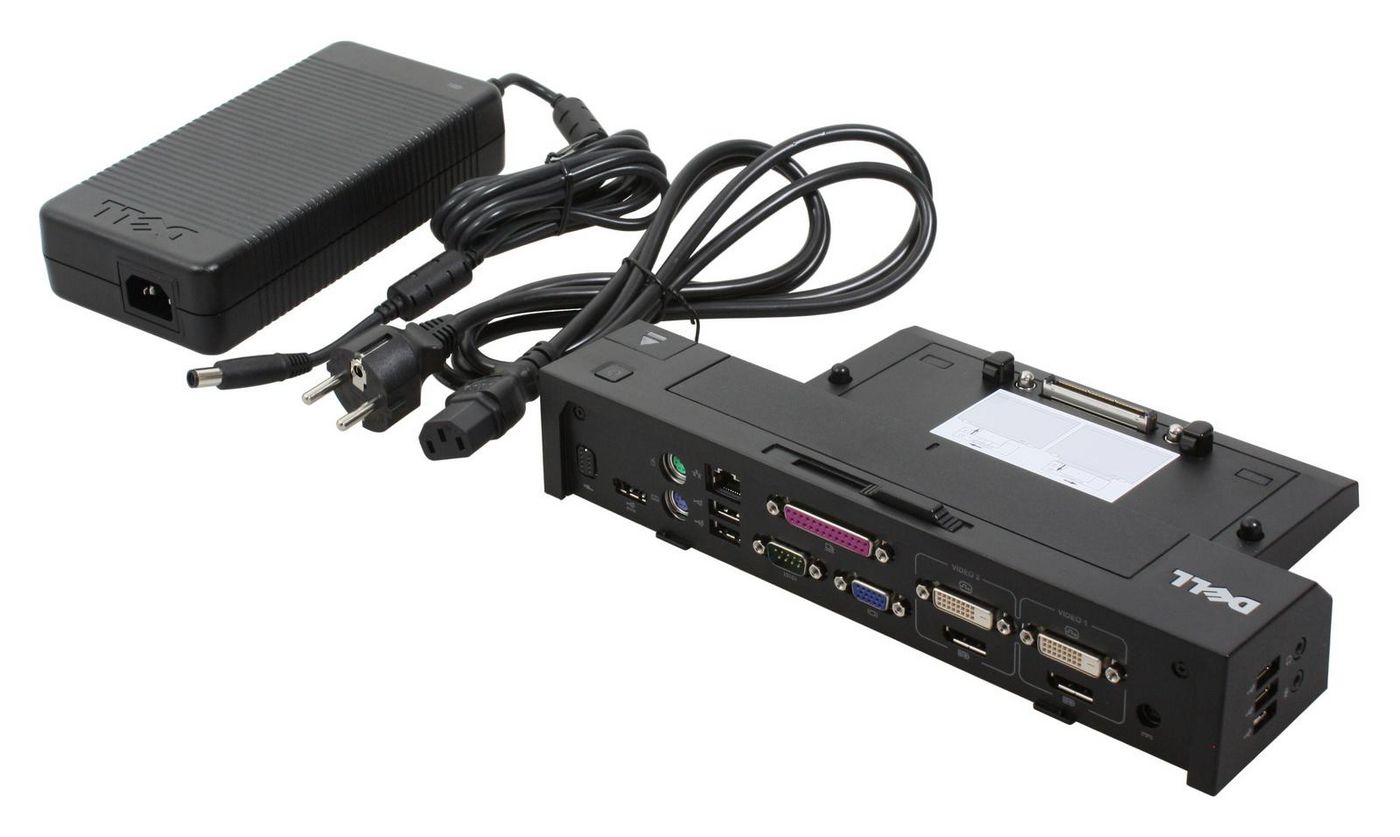
Dell / MPN: XX67W
Advance Port Replicator USB 3
12 581 ₴
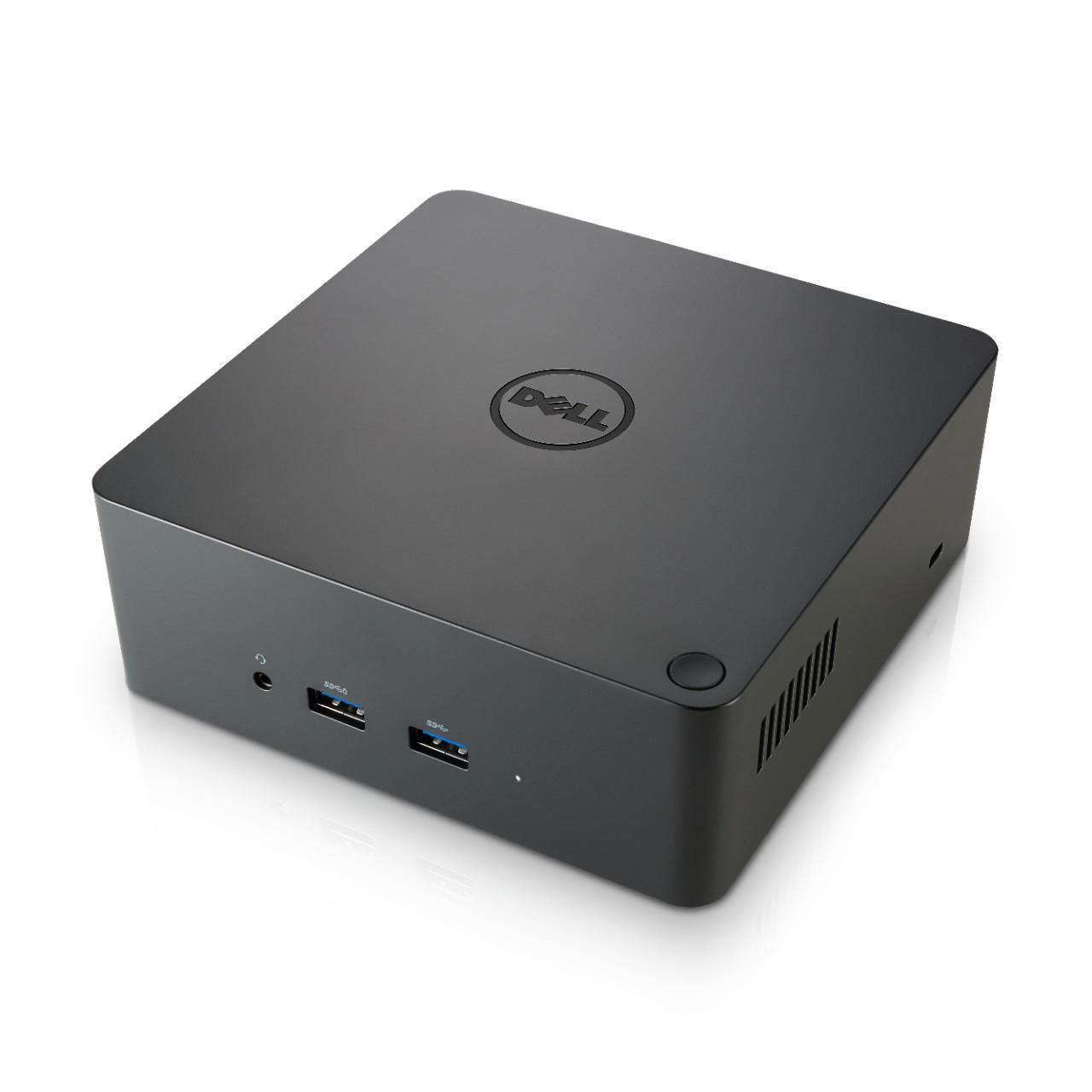
Dell / MPN: 452-BCNU
Бизнес док-станция Thunderbolt
20 847 ₴

Lenovo / MPN: 01YT274
CS18 ME Dock Ultra, USI
5 247 ₴
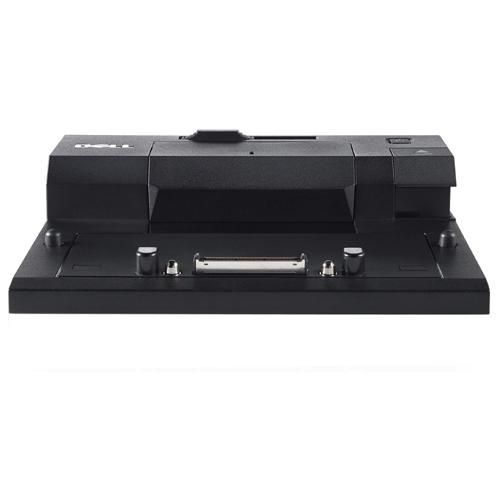
Dell / MPN: H600C
НАБОР, док-станция, E-SPR,
4 016 ₴
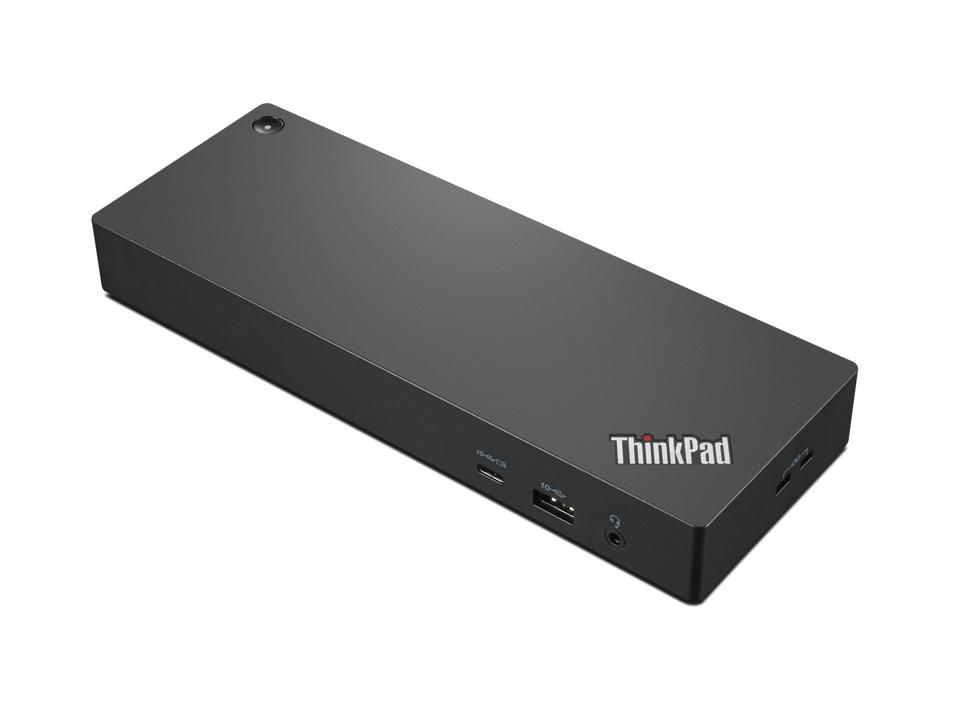
Lenovo / MPN: 40B00300UK
Док-станция/репликатор портов для ноутбука
21 258 ₴
Вы также смотрели
В каталог →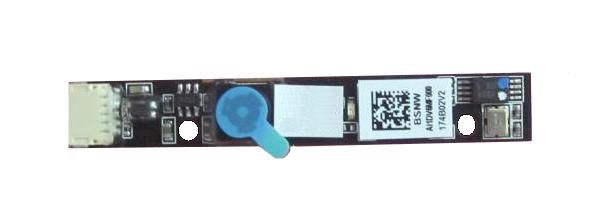
Lenovo / MPN: 04X5729
CAMERA CAMERA 1280*720 720P HD
Уточнить цену
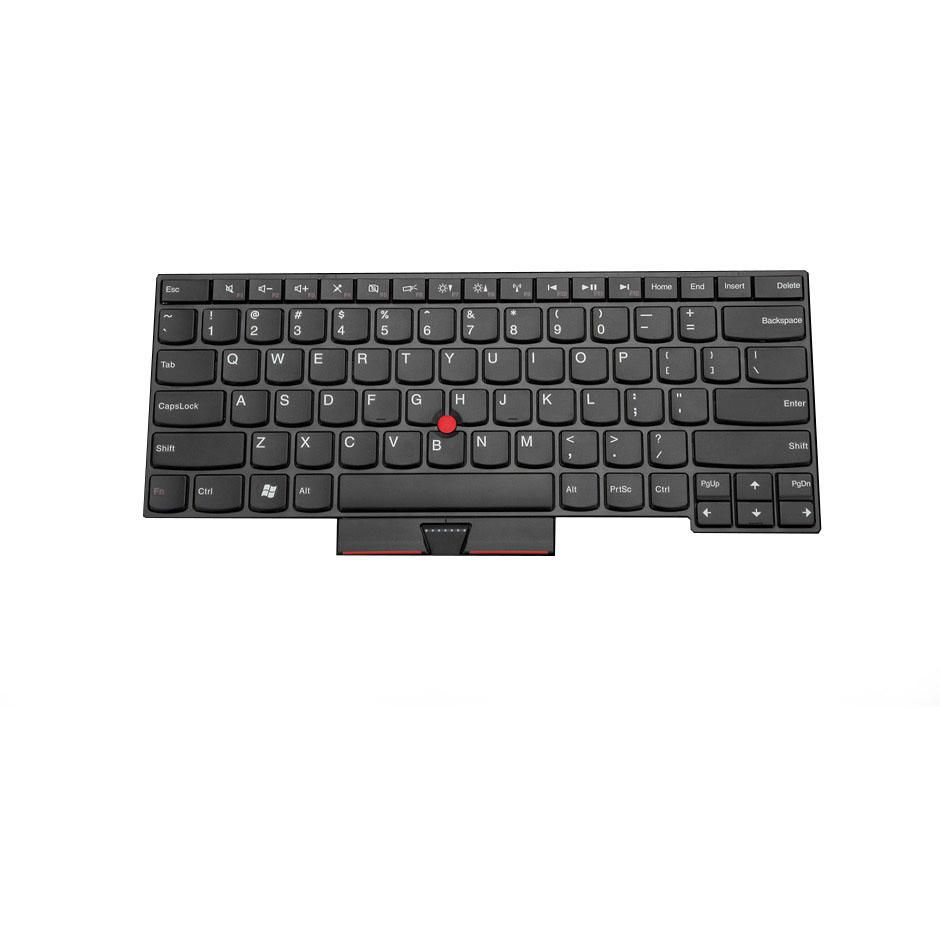
Lenovo / MPN: 04Y0217
PEKeyboard SWS CHY
Уточнить цену
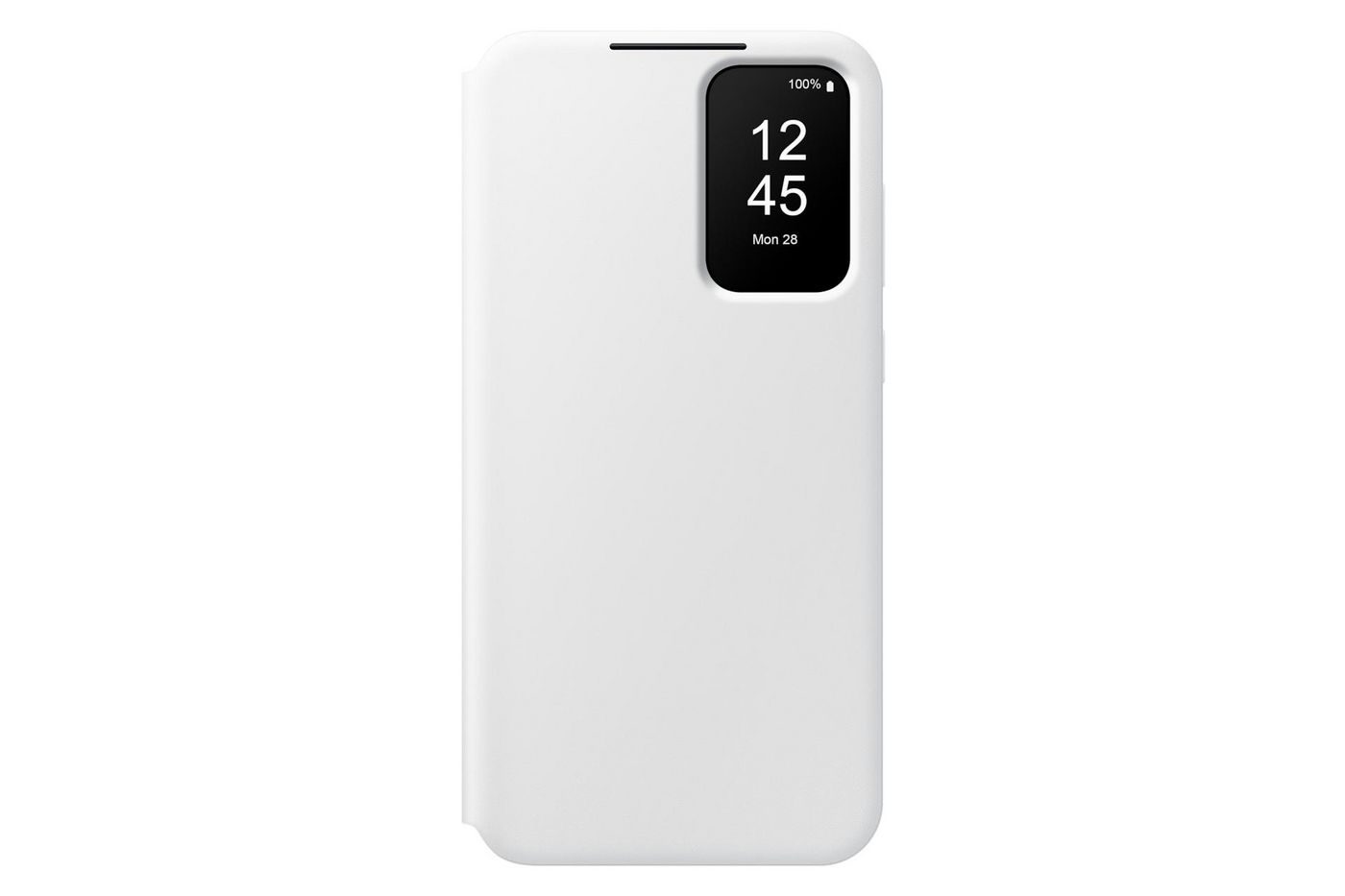
Samsung / MPN: EF-ZA356CWEGWW
Smart View Wallet Case A35
Уточнить цену

Lenovo / MPN: 5CB0W43513
Upper Case ASM_GR W 81Q8
Уточнить цену
Evolis / MPN: RCT223NAAA
Цветная лента, черная для
1 938 ₴

Energizer / MPN: 7638900295641
Батарея A23/E23A Alkaline 2-шт.
171 ₴